For this assignment, I decided to create a script that would open a door based on the activation of a pressure switch.
It first consisted of creating two actors: the switch on the ground and the door that would lift. And then linking the two together to affect one another.
The Switch
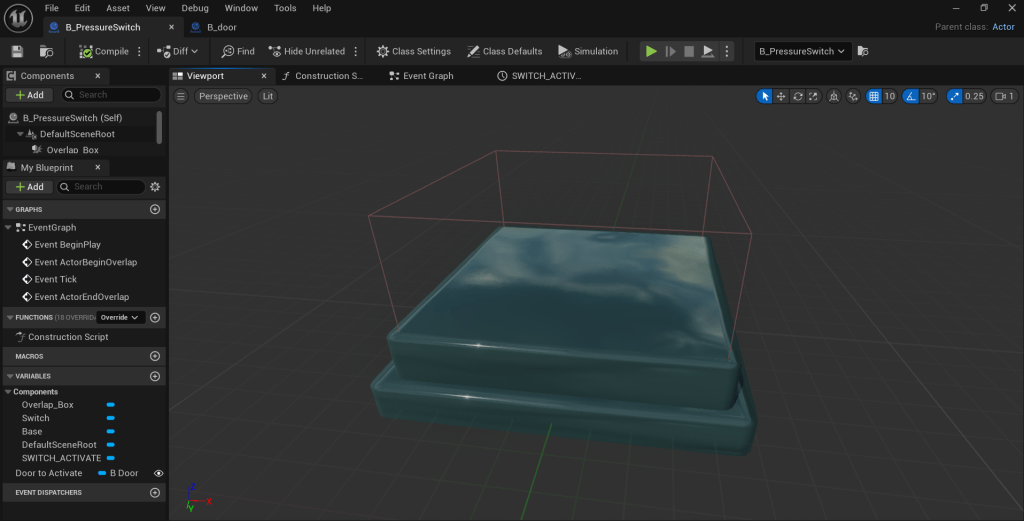
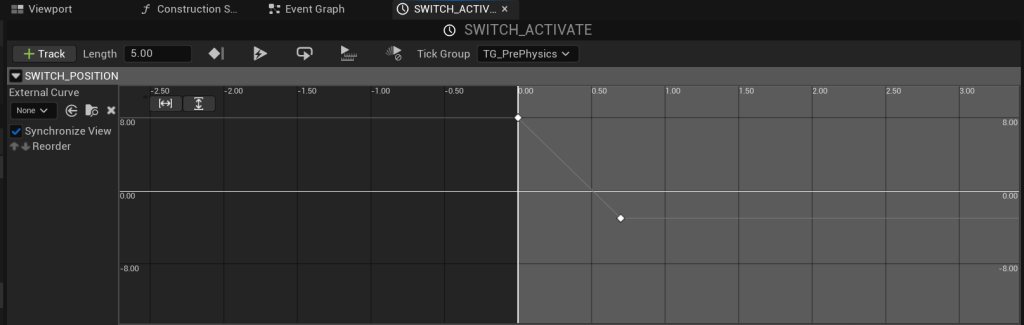
The switch mainly depended on the “Switch Activate” timeline node, which I found runs much like Adobe Premiere or Adobe After Effects’ animation logic – by adding a key timeline indicating the position changes of the object from one timeframe to another.
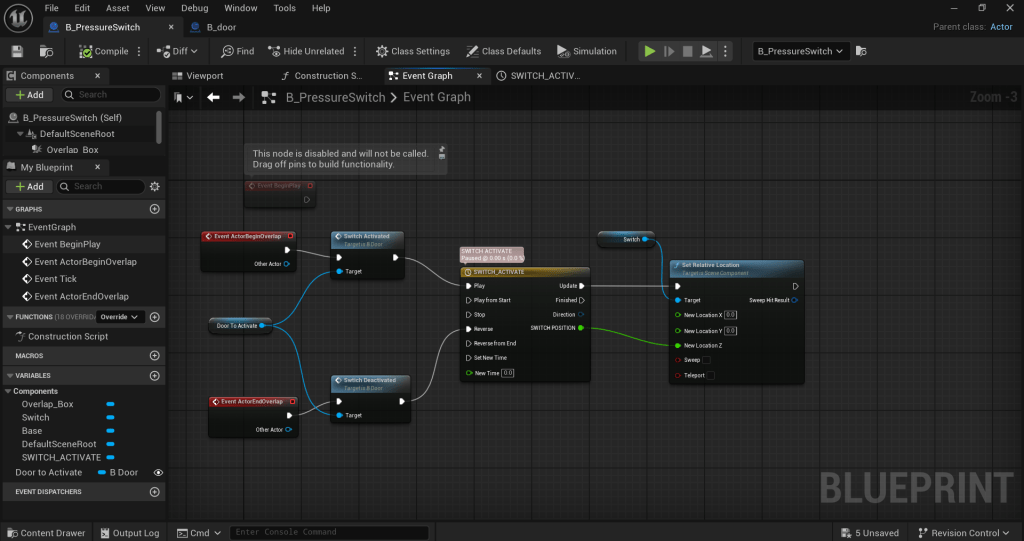
The blueprint dictates how it is activated – the use of a trigger to change the position of the switch.
The Door
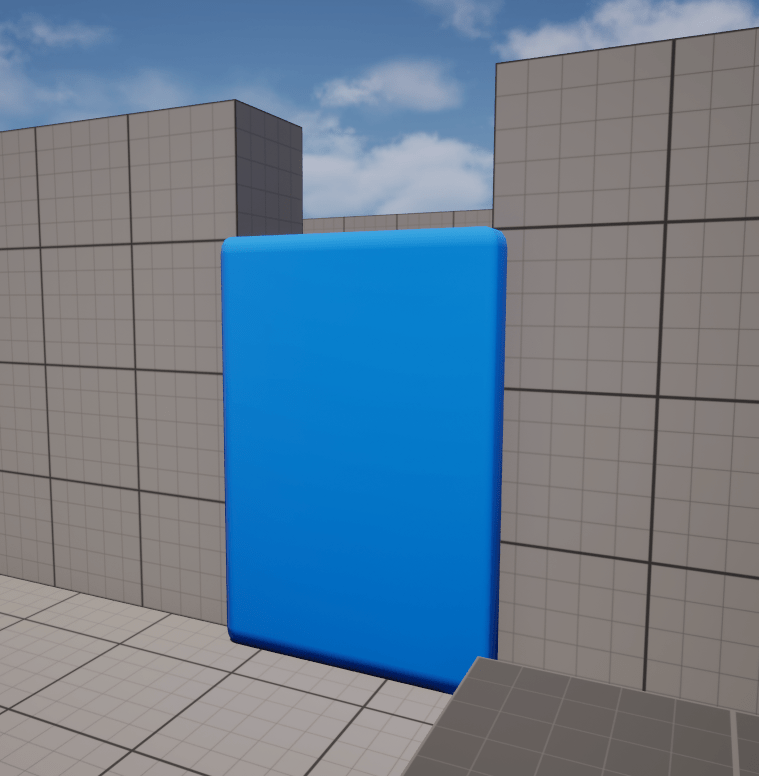
The door is a simple chamfered cube caught between two walls. It’s logic is also the same as the switch — the change of position (up and down) with the timeline switch activation command.
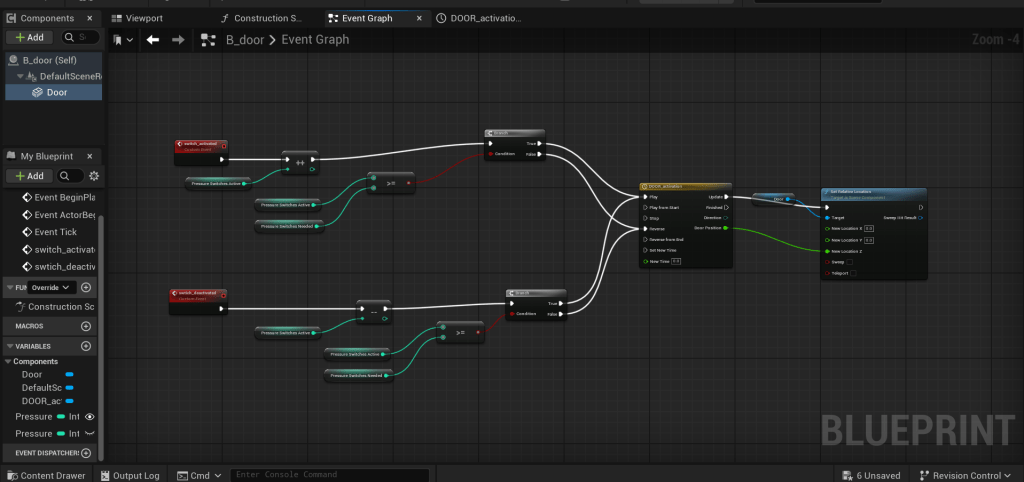
The door is given a true/false condition by creating two variables of “pressure doors needed” and pressure activated”, if the number of activations needed is equal or greater than the number of doors available, the door will change its z-axis position based on the timeline settings.
Challenges and Next steps:
It was actually difficult to control the block that goes on the switch. As a next step, it would be better to add a second function to the character, that is, the ability to grab the square and put it exactly where it needs to be (on the switch). Instead of chasing it around like the video below.
 Course Blog
Leave a comment