This is the documentation of process while I was following the tutorial. It was assignment for week 2, and because I have kept forgetting to write a post for each week, now I am catching up all the posts I have not completed.
1. Your First Hour in Unreal Engine 5.7
Start off with the basic tutorial provided by Unreal Engine Officials. I think it is nice to go through this tutorial because it is easy to follow, and beginner friendly. They were covering necessary logics of program, blueprint, material, assets, and more.
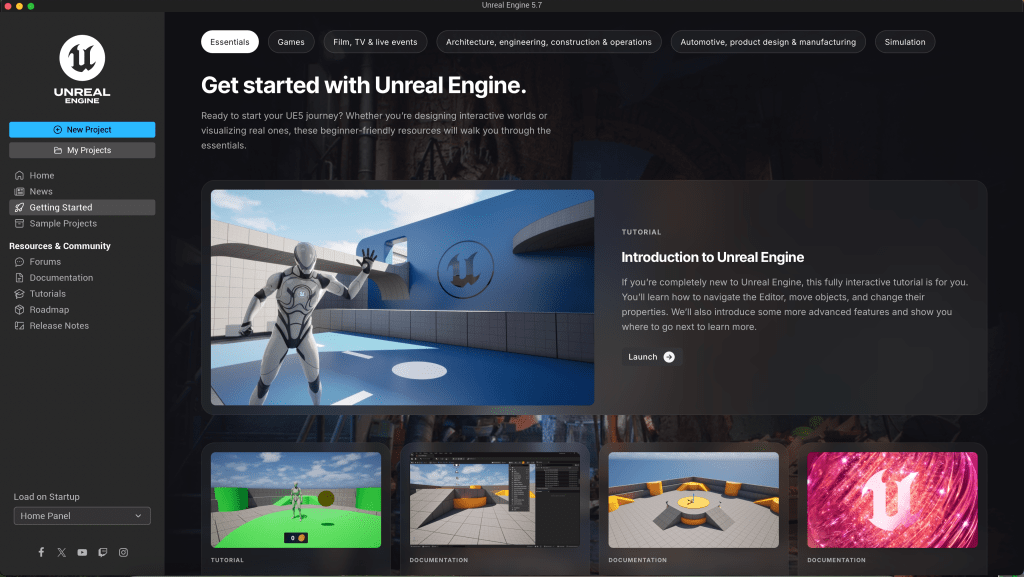
It was my first time experiencing Unreal Engine. I have heard about this program, since I was very interested in film and all the graphical techniques for film. It was quite challenging to follow the rapid trajectory of 6 week intensive course, but this tutorial (with the collision tutorial by Nitzu) was very helpful to get sense of the Unreal Engine world.
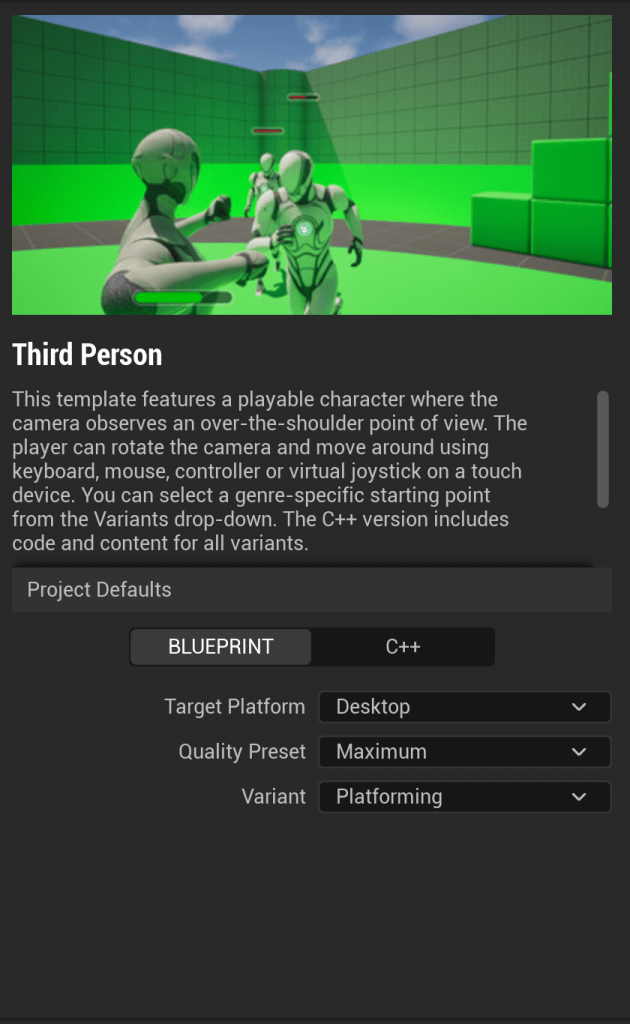
(Be sure to check the platformg for the variant section. Otherwise, you would need to make a new project and import the entire variant folder into your working project – this is exactly what I did)
Tutorial was based on the third person perspective, so I have kept working with third person perspective. I guess perspective does not matter that much because users always can change the camera angle or even add different perspectives by adding more cameras.
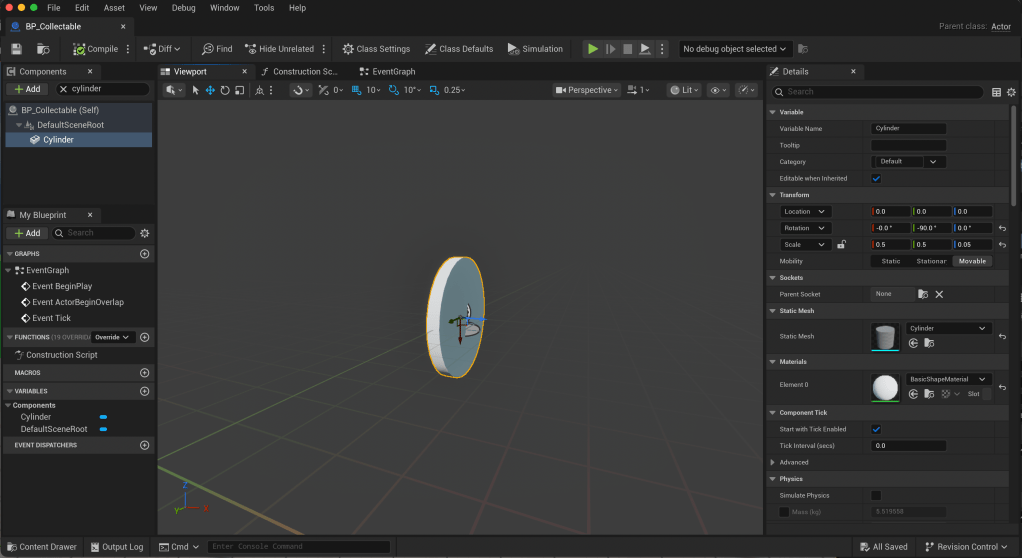
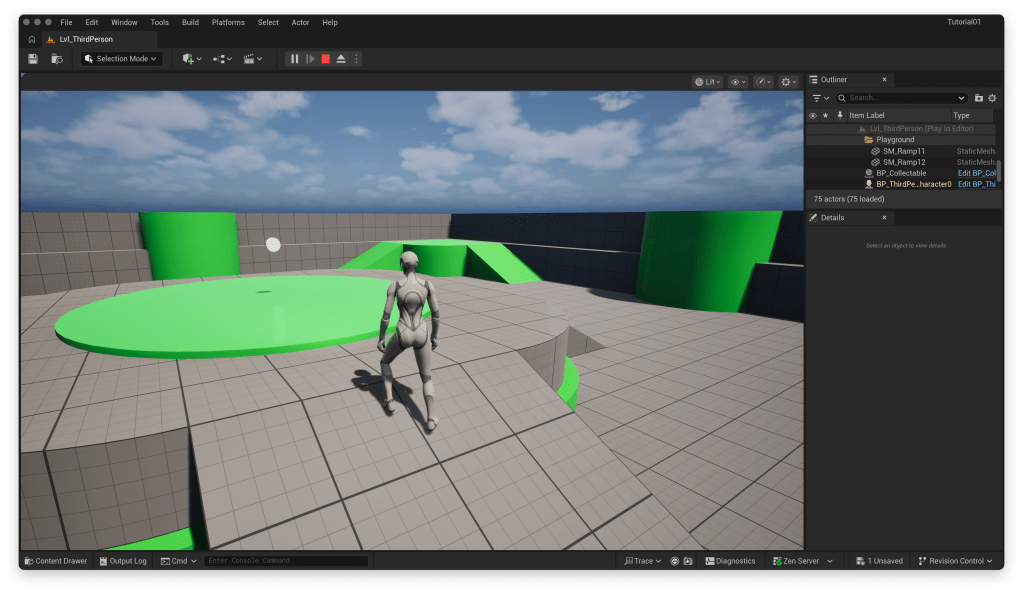
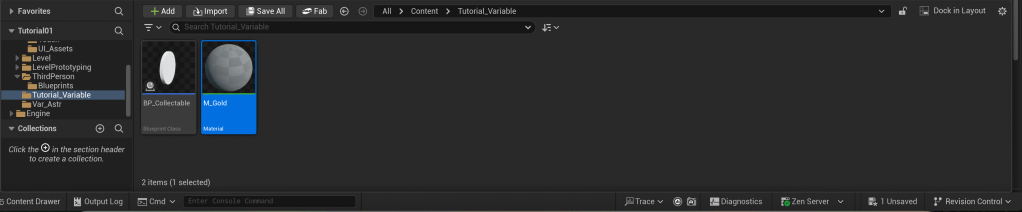
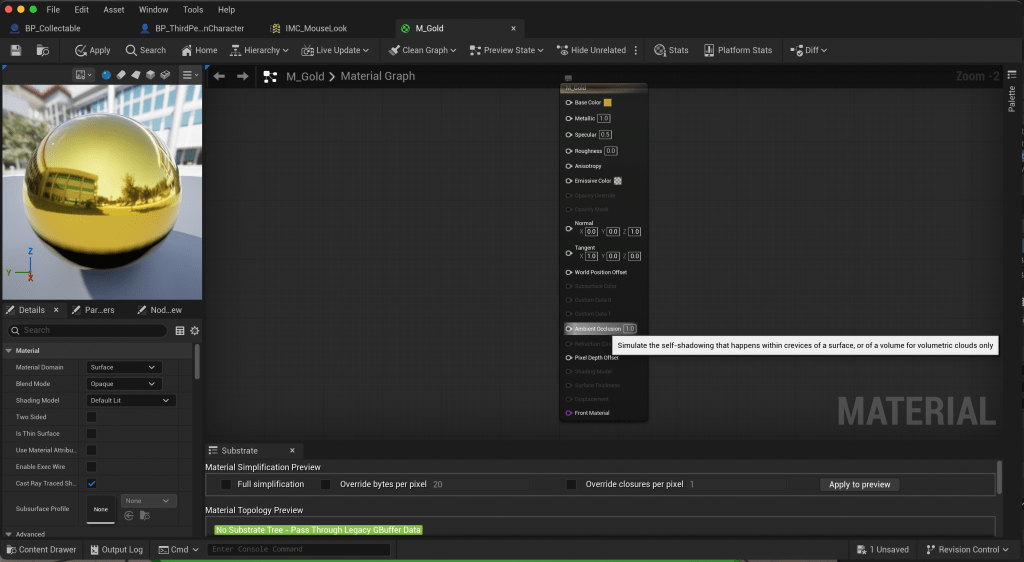
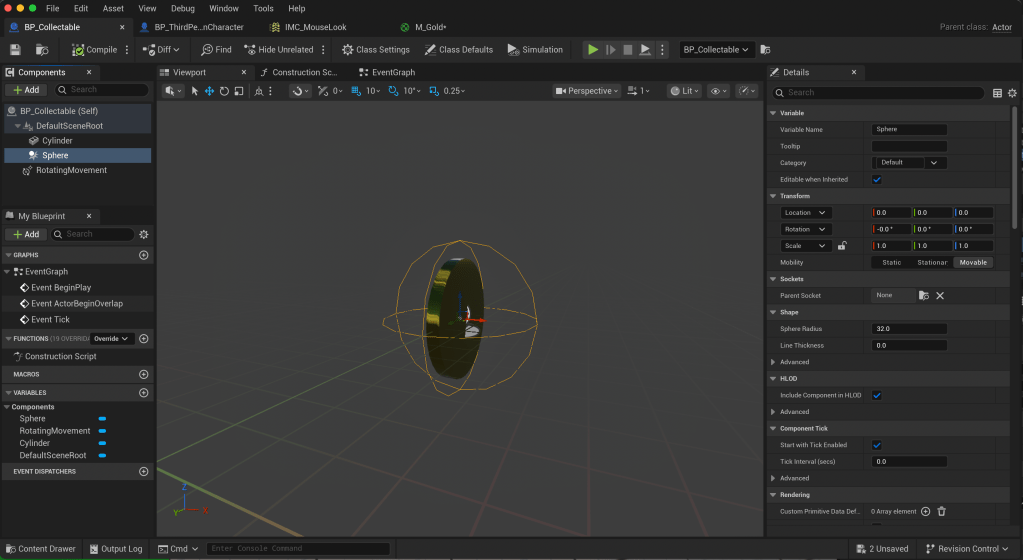
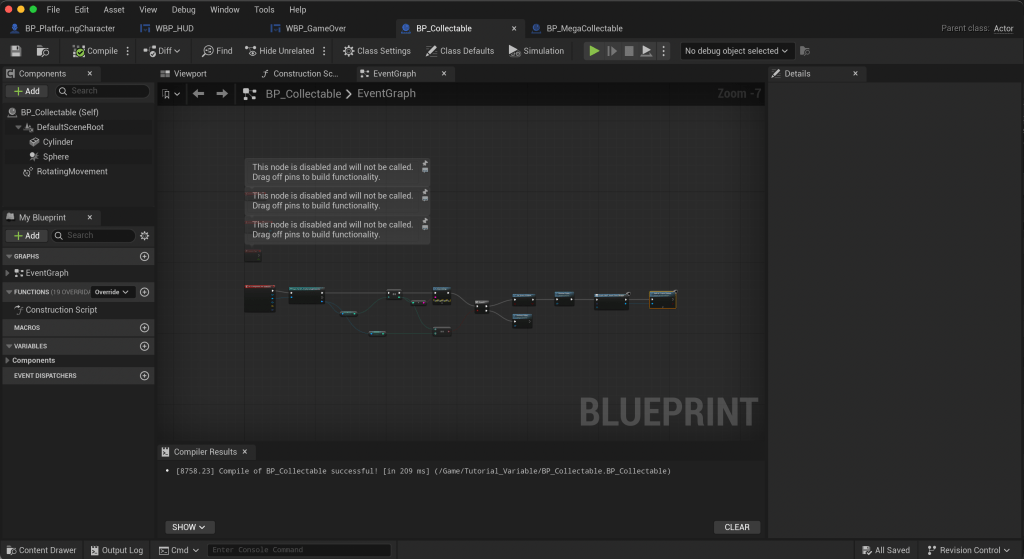
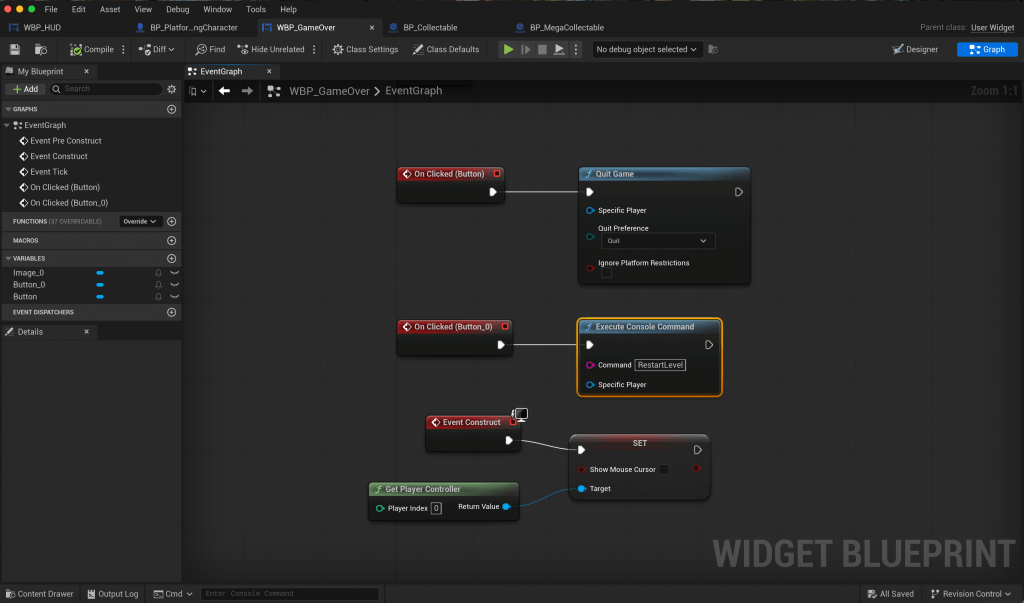
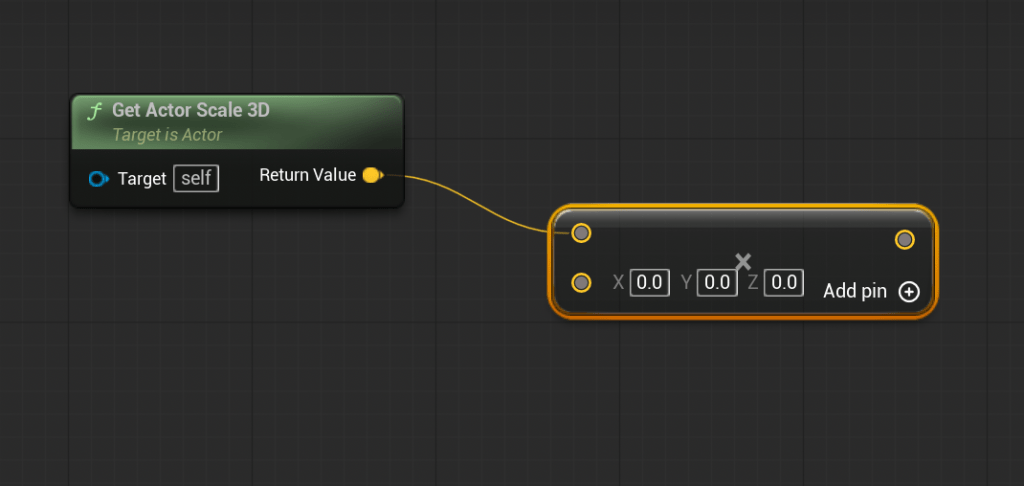
During the tutorial, I was able to get used with blueprint logic, and basic understanding of collision(responsive effect when the character hits certain object) and material.
Then we were jumped into more advanced level with collision function.
2. Collision Tutorial – Changing Speed
Tutorial Video was provided via shared presentation – basically it was about playing with speed and sound as a reaction when an object collides with the object. Adapting this logic, I wanted to slightly playful with the logic. So, I sketched out the idea of using the built environment.
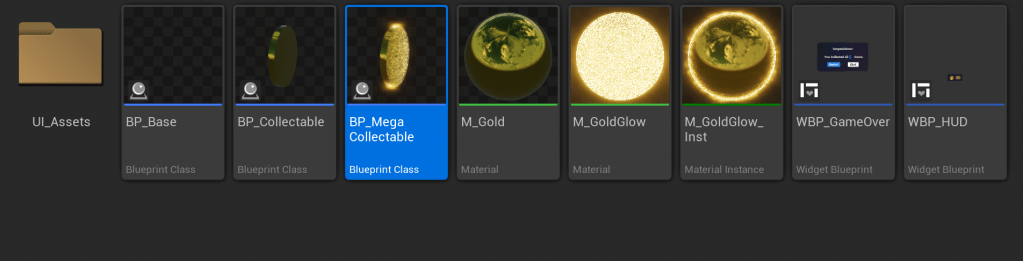
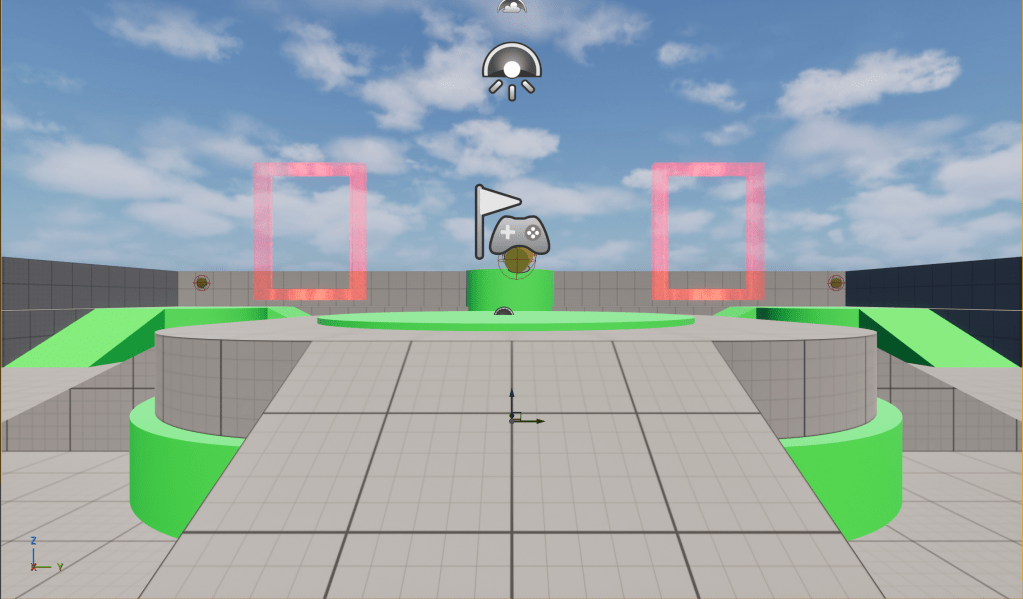
- I will have a mega-sized coin that is orbiting along the circumference of the base
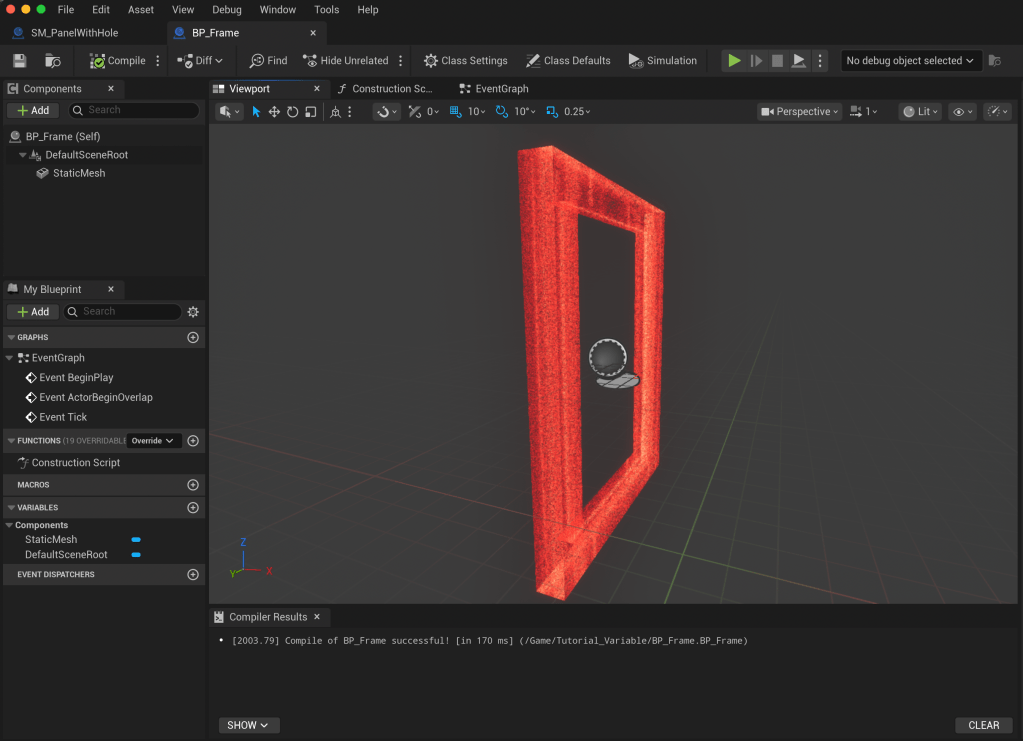
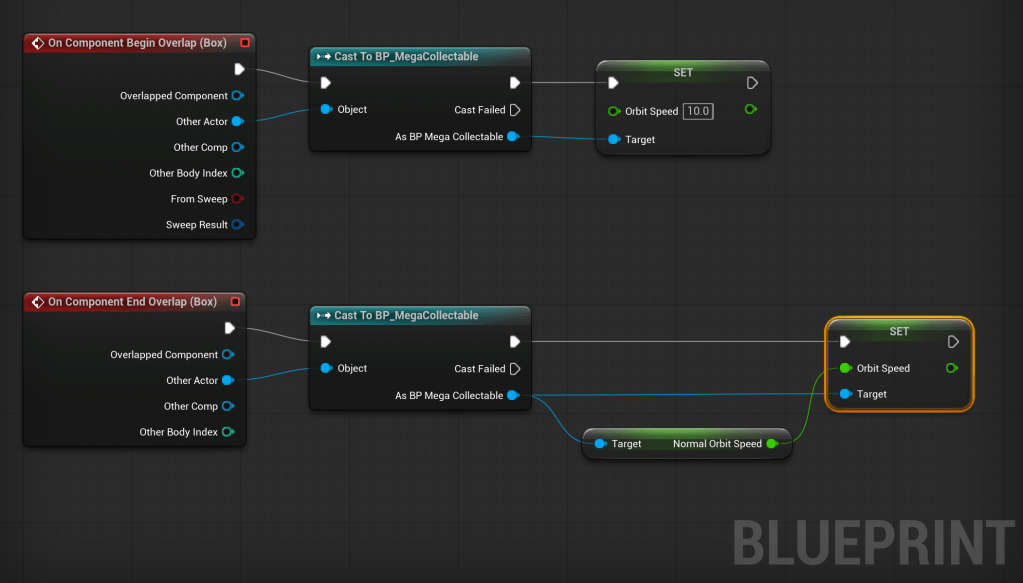
- It will slow down as it enters the zone of two frames, and back to normal speed as it gets out of it.
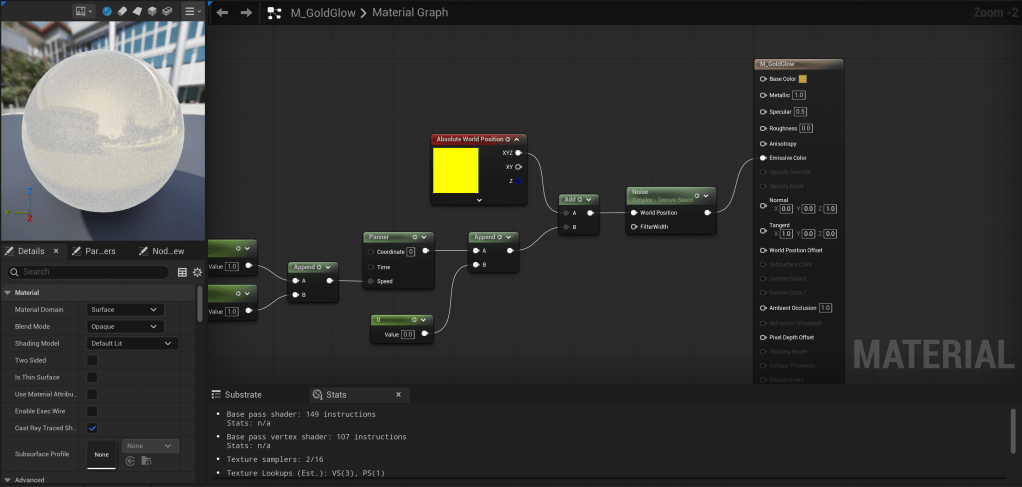
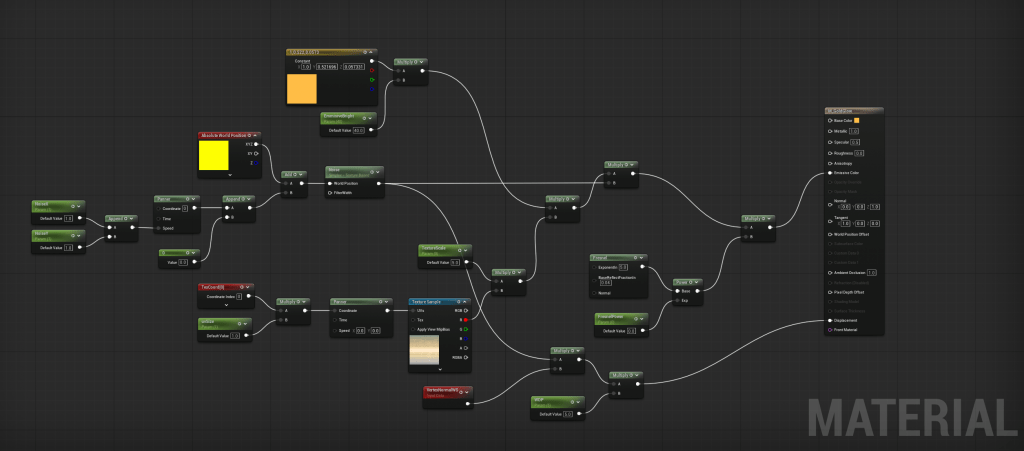
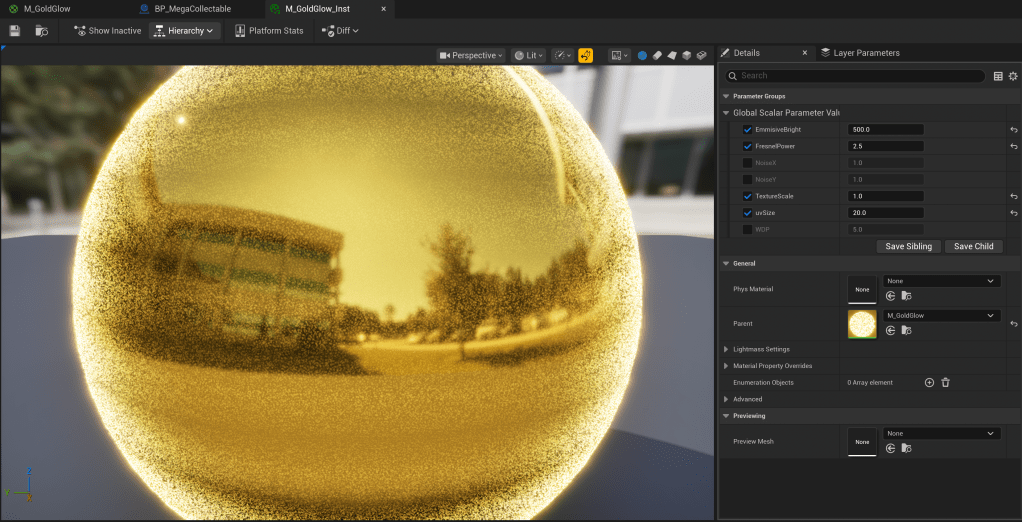
- Try to play with the materials, so it would look different from other coins
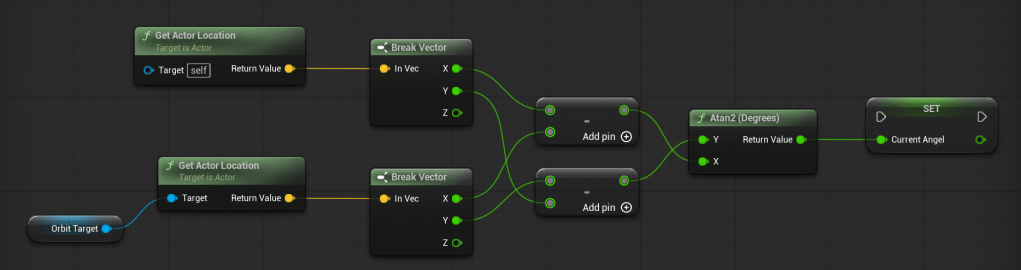
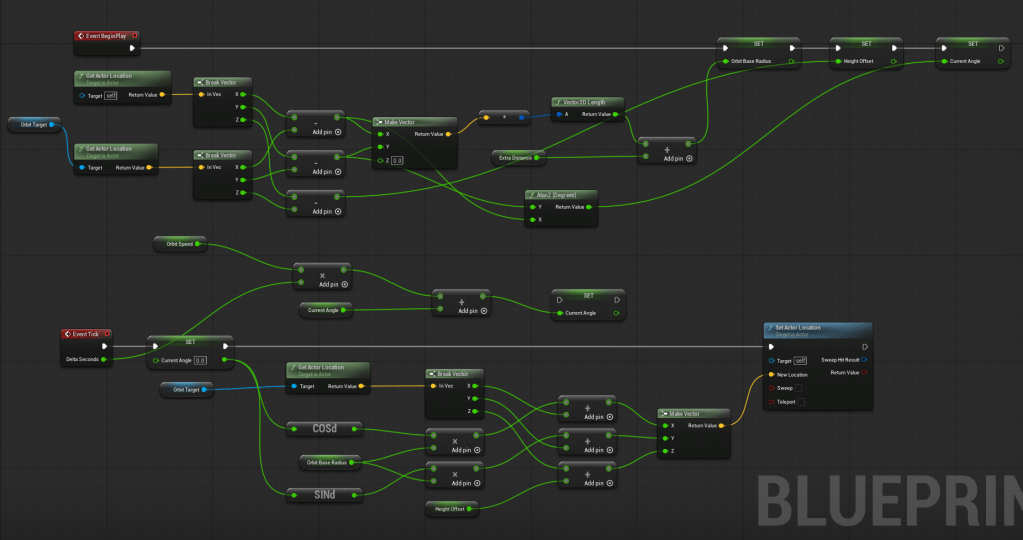
For the Logic, I used Claud.ai for getting constant feedback on my process. Since it is sometimes tricky to understand the written instructions, I asked Claude.ai to provide visual instructions, and this is the result:
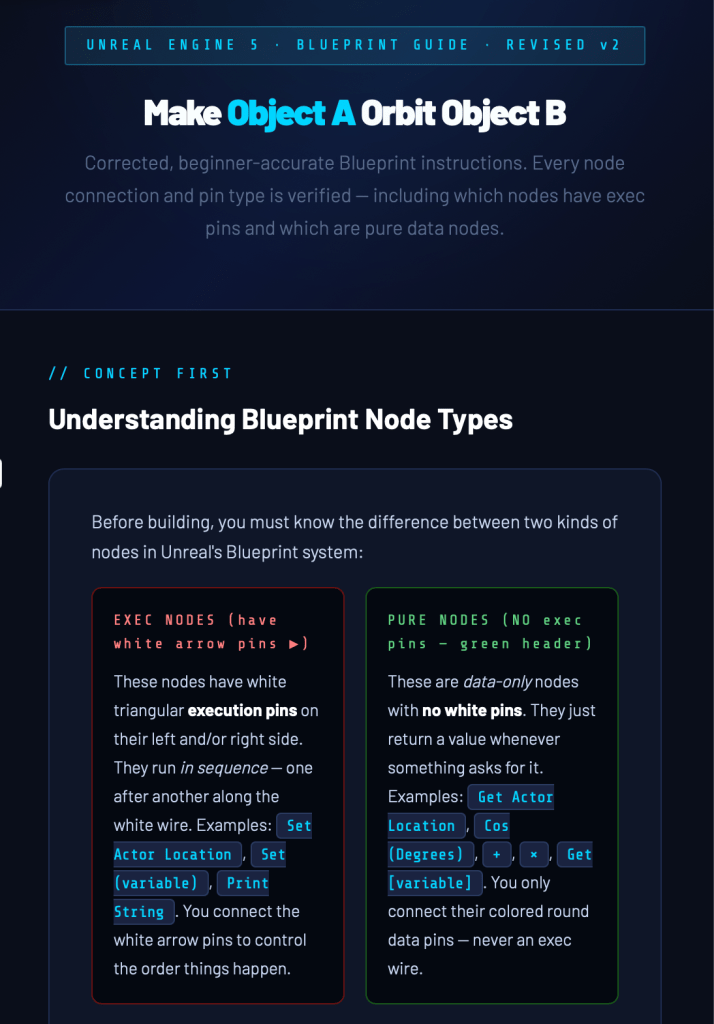
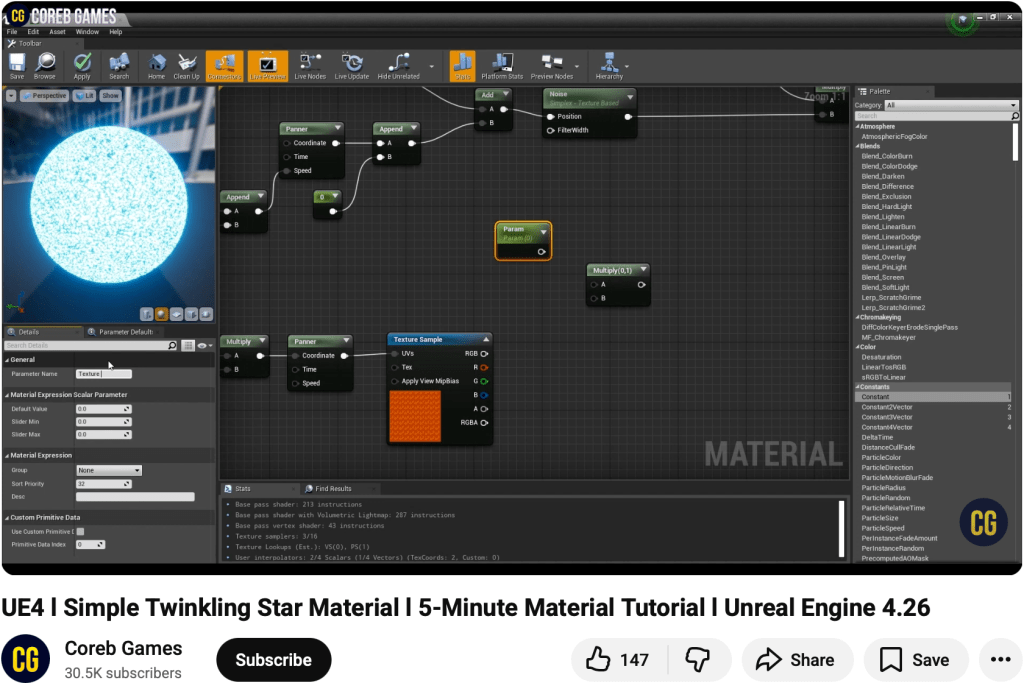
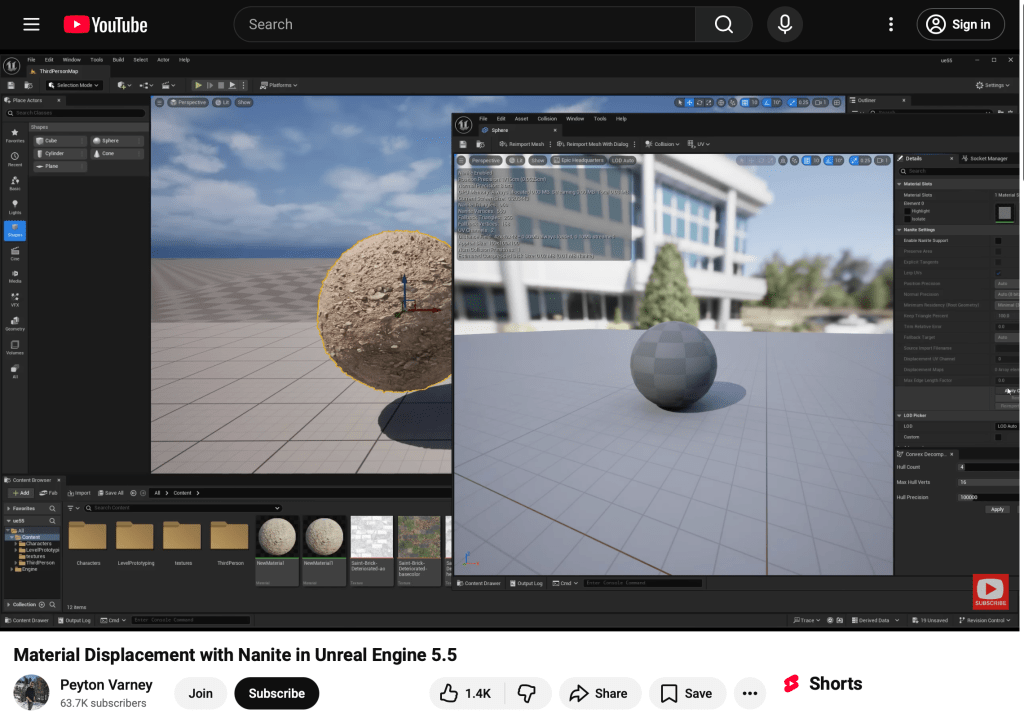
For the Material, I used this tutorial.
It literally took whole day (and more) to go through the whole development process, but it worked out and the result is very exciting.
 Course Blog
Leave a comment